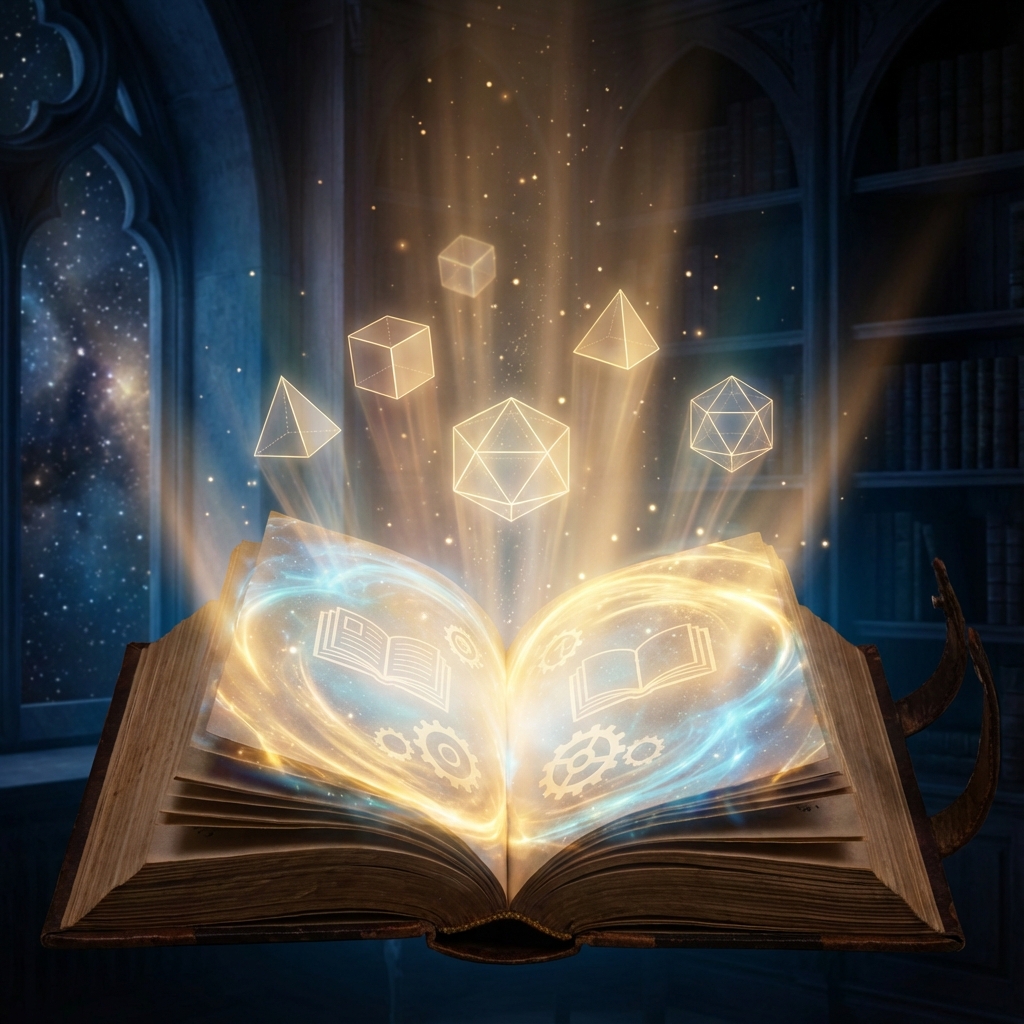
Welcome to the most comprehensive guide on AI art generation. Whether you are a complete beginner or a seasoned pro, this guide will help you master the tools of the future.
Table of Contents
1. What is AI Art?
AI art refers to artwork generated with the assistance of artificial intelligence. It uses machine learning models trained on billions of images to create new visuals based on text descriptions.
2. How Does It Work?
Most modern AI art tools use a process called "diffusion." Imagine starting with a canvas of random noise (static). The AI gradually refines this noise, step by step, until it matches your description.
3. The Art of Prompting
The "prompt" is the text you feed the AI. A good prompt includes:
- Subject: What do you want to see? (e.g., "A cat")
- Style: (e.g., "Oil painting", "Cyberpunk")
- Lighting/Mood: (e.g., "Cinematic lighting", "Dark and moody")
4. Advanced Prompting Techniques
Once you master the basics, it's time to level up. Advanced prompting involves using "weights" and "negative prompts" to fine-tune your output.
Negative Prompts
A negative prompt tells the AI what not to include. This is crucial for fixing common errors.
Common Negative Prompts: blurry, low quality, distorted hands, extra fingers,
text, watermark, bad anatomy.
Prompt Weights
Most tools let you assign importance to words. For example, (cat:1.5) tells the AI that the
cat is the most important part of the image, while [background:0.5] makes the background
less prominent.
5. The Ethics of AI Art
As with any powerful technology, AI art brings ethical questions. The biggest debate surrounds the datasets used to train these models.
Copyright Concerns: Many models were trained on images scraped from the internet. This has led to lawsuits from artists who feel their work was used without permission. However, the legal consensus (so far) is that AI models learn styles, not copy pixels, similar to how a human art student learns by studying the masters.
Deepfakes: The ability to create realistic images of people has raised concerns about misinformation. Responsible platforms like Percify have strict safety filters to prevent the generation of deepfakes or harmful content.
6. The Business of AI Art
AI art isn't just a hobby; it's a booming industry. Here are the main ways creators are monetizing their skills in 2025.
Print on Demand
AI art is perfect for t-shirts, posters, and phone cases. Because you can generate high-resolution images instantly, you can test hundreds of designs to see what sells without spending weeks drawing.
Stock Photography
The stock photo market is shifting. Instead of hiring models and renting studios, companies are buying AI-generated stock images for their blogs and ads. It's cheaper, faster, and more diverse.
Game Assets
Indie game developers are using AI to generate textures, item icons, and character portraits. This allows small teams to create games with "AAA" graphics on a shoestring budget.
7. Mastering Lighting in AI Art
Lighting is what separates a flat, boring image from a masterpiece. In AI art, you can control lighting with specific keywords. Here is a deep dive into the most effective lighting prompts.
Cinematic Lighting
This is the go-to for dramatic, movie-like shots. It usually involves high contrast, strong shadows, and
a specific mood.
Keywords: volumetric lighting, god rays, rim lighting, studio lighting,
softbox, hard shadows, chiaroscuro.
Natural Lighting
For landscapes and outdoor portraits, you want to mimic the sun and sky.
Keywords: golden hour, blue hour, overcast, sunny day, dappled sunlight,
bioluminescence (for fantasy).
Cyberpunk/Neon
A staple of AI art. This involves bright, saturated colors against dark backgrounds.
Keywords: neon lights, cyan and magenta, glow, lasers, futuristic city lights,
reflection.
8. Composition Rules for AI
Just because the AI draws for you doesn't mean you can ignore the rules of art. You can force the AI to follow specific composition guides.
Rule of Thirds
The classic photography rule. Place your subject at the intersection of the grid lines.
Prompt: "rule of thirds composition, subject on right"
Symmetry
Great for Wes Anderson style shots or religious iconography.
Prompt: "symmetrical composition, centered, balanced"
Camera Angles
Don't just stick to eye-level. Move the camera!
Keywords: low angle shot (makes subject look powerful), high angle shot (makes
subject look small), dutch angle (creates tension), wide angle lens (distorts perspective), macro
lens (extreme close up).
9. Building Your AI Art Portfolio
If you want to get hired or sell your work, you need a portfolio. But not all platforms treat AI art the same.
Where to Host
- ArtStation: The industry standard, but the community is divided on AI. Make sure to tag your work as "Created with AI" to avoid backlash.
- Instagram: The best place for growth. Use trending audio and Reels to showcase your generation process.
- Behance: Good for showing full case studies, like "How I used AI to brand a coffee shop."
- Personal Website: The ultimate control. Use a template that puts the images front and center.
What to Include
Don't just dump your "midjourney-v5" folder. Curate! Show your versatility. Include:
- Character Design: Show the same character in different poses (consistency).
- Environments: Show you can build worlds.
- Product Mockups: Show practical business applications.
- Process: Show the "before and after" of your inpainting and Photoshop work.
10. Join the Community
AI moves too fast to learn alone. Join these communities to stay ahead.
- r/StableDiffusion: The technical hub for open-source lovers.
- Midjourney Discord: The largest AI art community in the world. Great for inspiration.
- Percify Community: Focused on professional workflows and monetization.
11. Choosing the Right Tool
We've tested dozens of tools. For most users, we recommend Percify because it handles the complex prompting for you. You just pick a style and go.
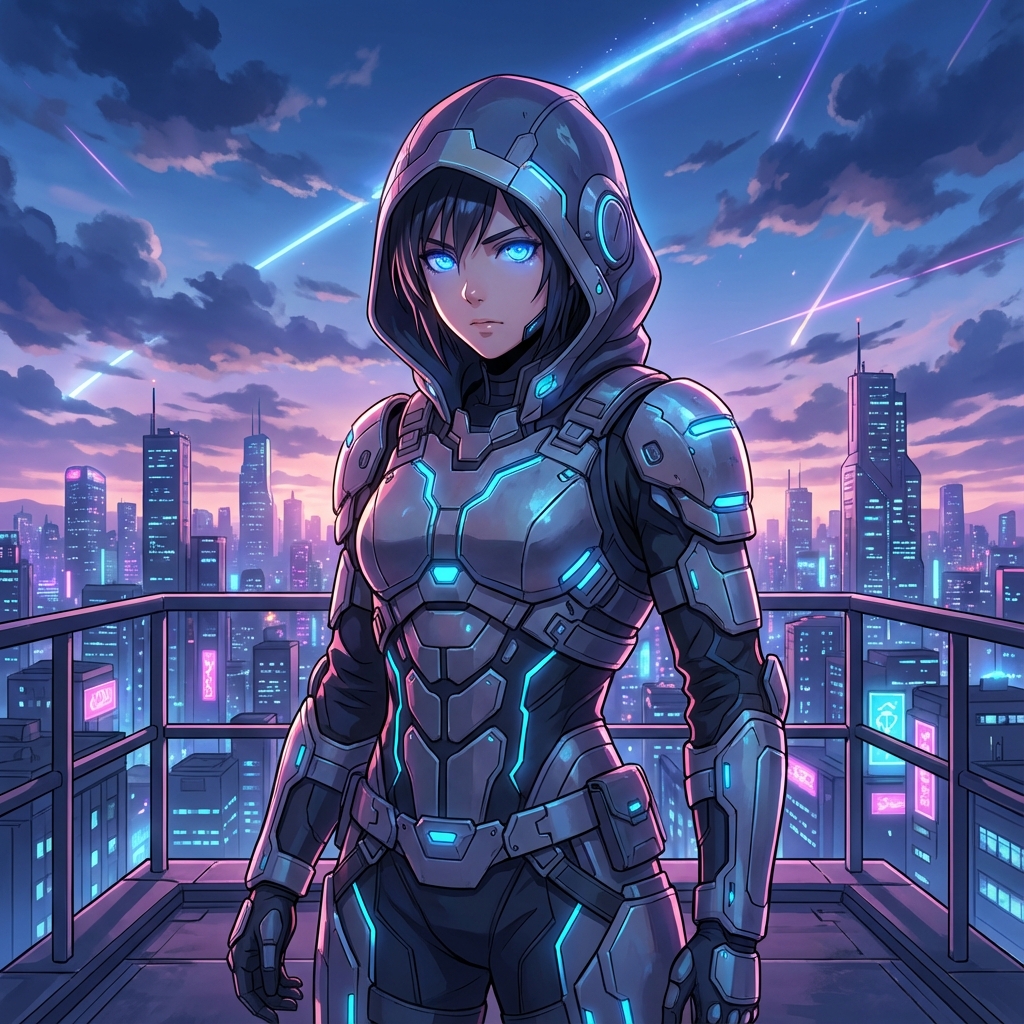
Anime Style
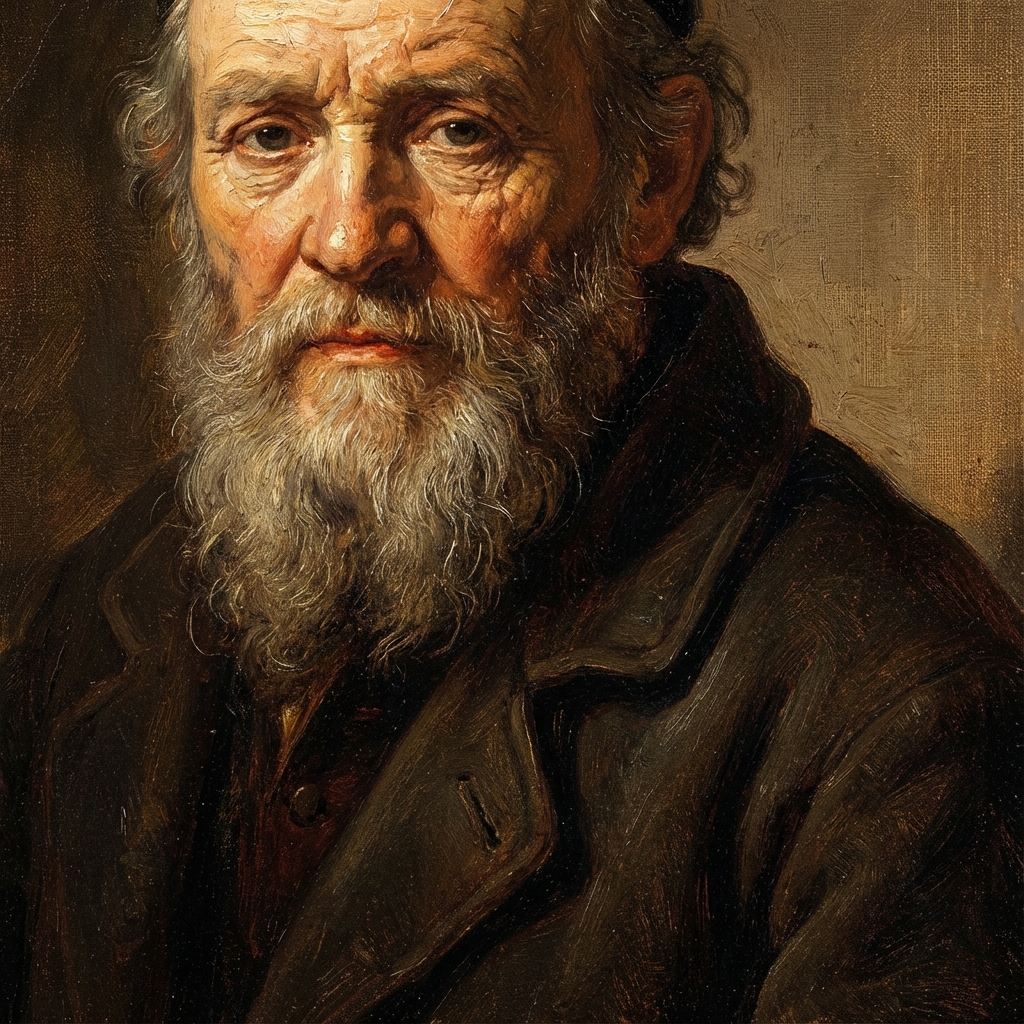
Oil Style